IBO Player Not Working? Fix Black Screen, Buffering, or Infinite Loading
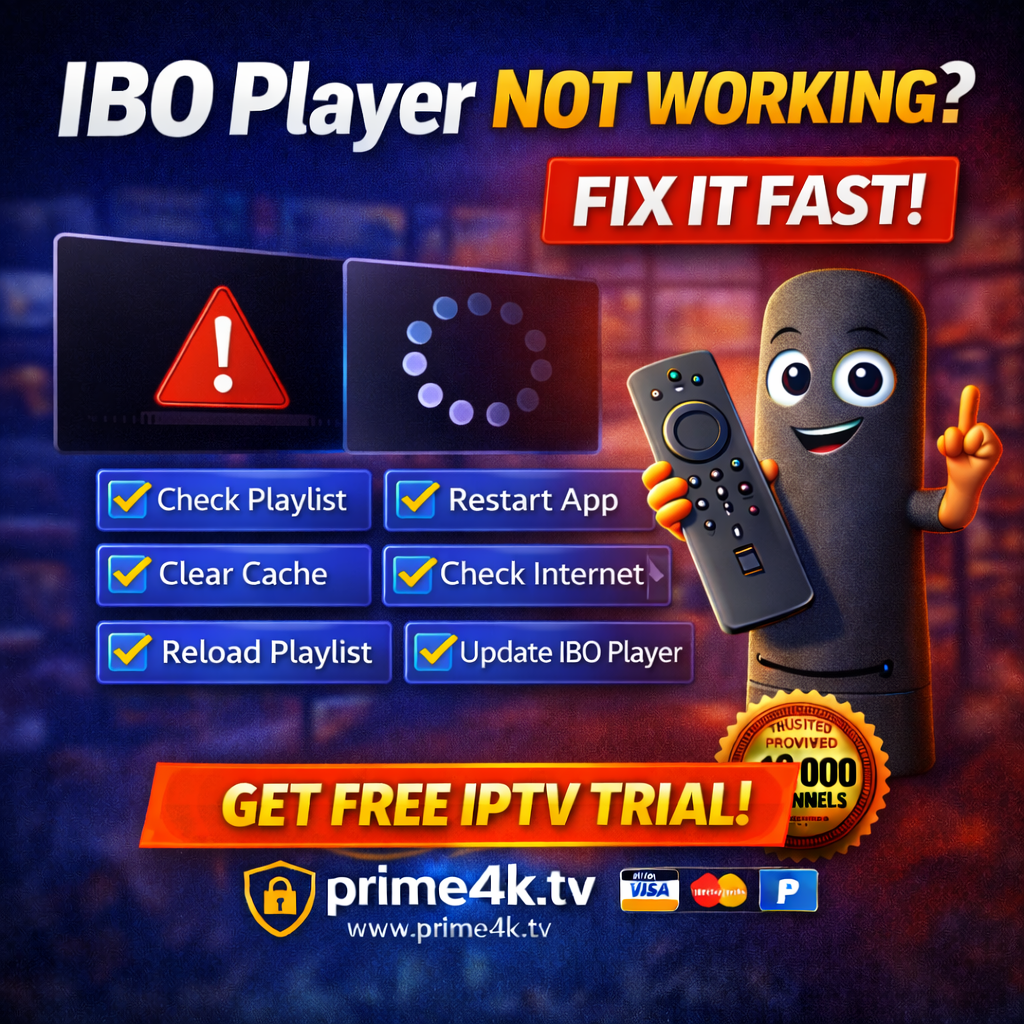
IBO Player is a popular IPTV player used on Smart TVs, Android TV, FireStick, and mobile devices. However, many users face issues like black screen, constant buffering, or IBO Player stuck on loading. In this guide, you’ll learn why IBO Player is not working and how to fix it step by step. 👉 For stable playlists, fast activation, and smooth playback, many users rely on Prime4K.tv as their IPTV provider. Common IBO Player Problems Users usually report one or more of the following: These problems are usually not caused by the app itself, but by settings, internet, or playlist issues. 1️⃣ Check If Your Playlist Is Active IBO Player does not include channels. You must add your own M3U link or Xtream Codes. If your playlist is expired or inactive, you will see: ✅ SolutionUse a reliable IPTV subscription that works perfectly with IBO Player. 👉 Recommended provider:🔗 https://prime4k.tv✔ Works with IBO Player✔ M3U & Xtream Codes✔ Stable servers✔ Free trial available 🎁 Free Trial: https://prime4k.tv/trial 2️⃣ Restart IBO Player & Your Device Sometimes the issue is temporary. Do this: This fixes many IBO Player loading problems. 3️⃣ Clear App Cache (Very Important) A corrupted cache can cause buffering or black screen. On Android / FireStick: ⚠️ Do not clear data unless you have your playlist details saved. 4️⃣ Check Your Internet Speed IBO Player needs a stable connection. Recommended speeds: If your internet is unstable: 5️⃣ Reload or Re-Add Playlist If channels don’t load: 👉 If you need fresh, fast playlist details compatible with IBO Player, Prime4K.tv provides optimized playlists for smooth playback. 6️⃣ Update IBO Player to Latest Version Older versions may stop working. Install or Update IBO Player Using Downloader Code 📥 Downloader Code for IBO Player: 511693 Steps: 7️⃣ Check IBO Player Activation Status IBO Player requires device activation. Without activation, channels may not load. Best IPTV Provider for IBO Player IBO Player works best with optimized IPTV playlists. ⭐ Why users choose Prime4K.tv 🌐 Website: https://prime4k.tv📧 Email: support@prime4k.tv📱 WhatsApp: +1 587 871 8847🎁 Free Trial: https://prime4k.tv/trial Compatible IPTV Players (With Downloader Codes) You can also test your playlist on other apps: Still Having Issues? If IBO Player is still not working after these fixes: 👉 Switching to a stable IPTV provider like Prime4K.tv usually fixes black screen and buffering issues instantly. More IPTV Installation & Fix Guides 📚 Click here for more tutorials:👉 https://prime4k.tv/iptv-installation-tutorials/