
Installing IPTV on the IPTV Stream Player App is quick and beginner-friendly, whether you’re using Android, iOS, Smart TV, or Firestick. This guide will walk you step by step through downloading the app, adding your IPTV playlist (M3U or Xtream Codes), and starting to stream live TV, movies, and series within minutes.
If you’re looking for a reliable IPTV service with stable servers and thousands of channels, 👉 prime4k.tv is a trusted source for IPTV M3U playlists and Xtream Codes, with a FREE TRIAL available.
What Is IPTV Stream Player?
IPTV Stream Player is a powerful IPTV media player that allows you to stream content from your IPTV subscription.
The app does not host any content — it simply plays streams provided by your IPTV service.
Key Features:
- Supports M3U playlists & Xtream Codes
- Live TV, Movies & Series (VOD)
- Subtitle & language support
- Smooth playback and simple interface
- Compatible with Android & iOS devices
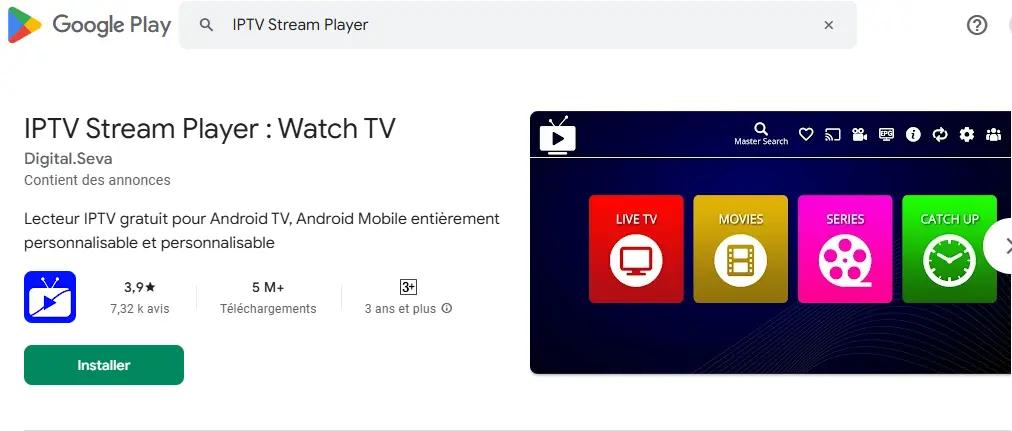
Step 1: Download IPTV Stream Player App
📱 Android (Google Play Store)
👉 Download here:
https://play.google.com/store/apps/details?id=com.digitalseva.iptvplayer
🍎 iOS (Apple App Store)
👉 Download here:
https://apps.apple.com/ci/app/iptv-stream-player/id6479939671
Install the app on your device and open it once the download is complete.
Step 2: Add Your IPTV Playlist
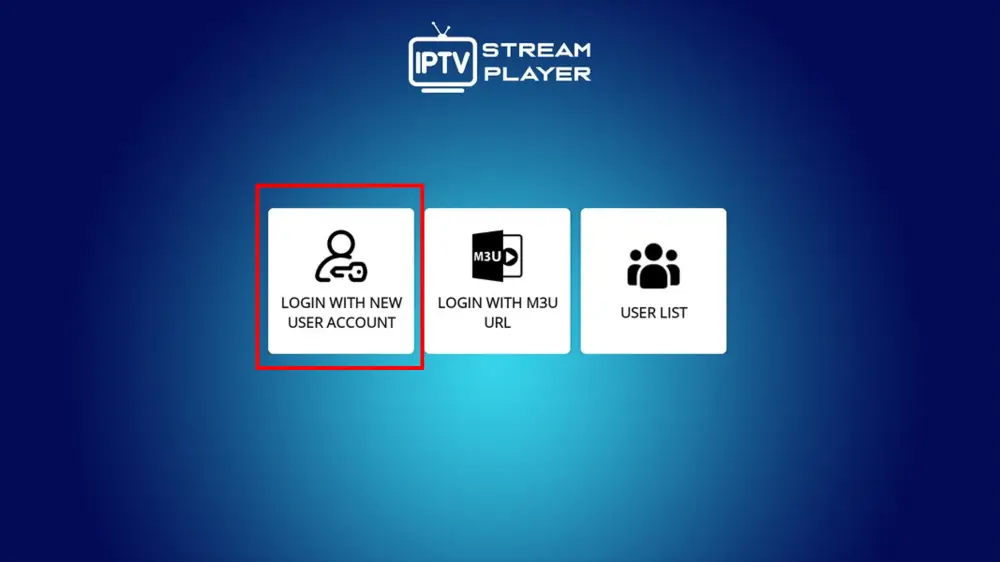
When you open the app, you’ll be asked to add a playlist.
✅ Option 1: Add IPTV via M3U URL (Recommended)
- Open IPTV Stream Player
- Click Add Playlist
- Select Add via URL
- Enter your M3U Playlist URL (provided by your IPTV service)
- Save & refresh
👉 You can get a high-quality IPTV M3U link from
🔗 prime4k.tv
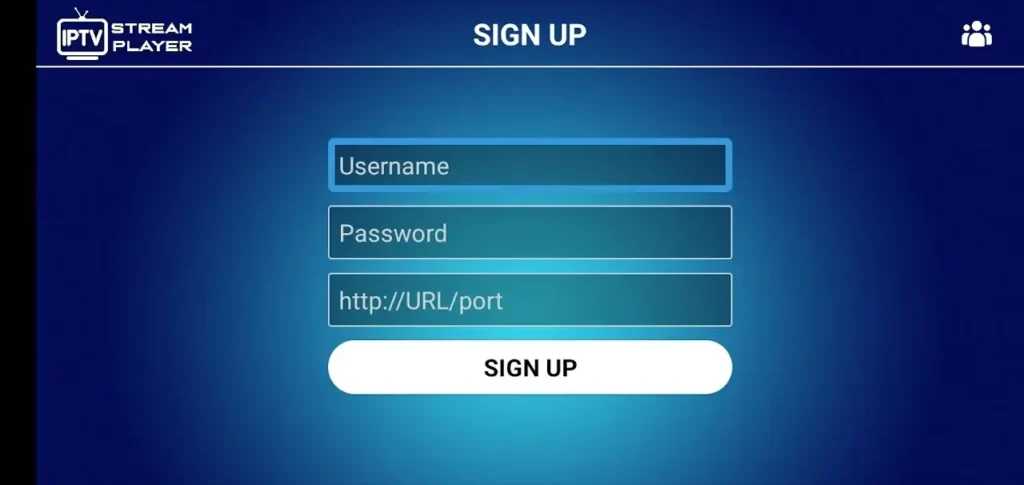
✅ Option 2: Add IPTV via Xtream Codes
- Choose Login with Xtream Codes API
- Enter:
- Username
- Password
- Server URL
- Save & load channels
Prime4K IPTV supports Xtream Codes for faster and more stable streaming.
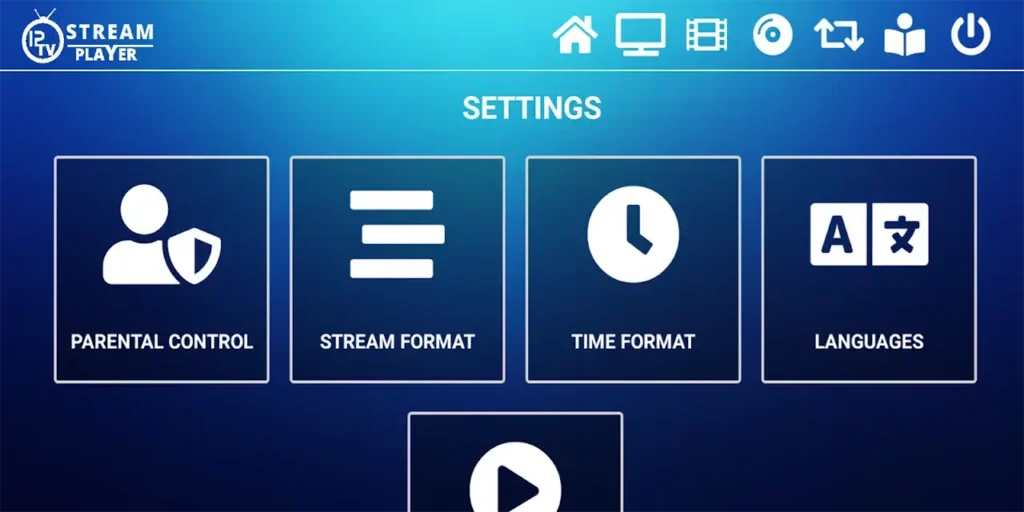
Step 3: Configure Settings (Optional)
Inside the app settings, you can:
- Enable subtitles
- Change language
- Adjust video quality
- Set player preferences
These settings help optimize your viewing experience.
Step 4: Start Watching IPTV
Once your playlist loads:
- Browse Live TV
- Watch Movies & Series
- Enjoy smooth, high-quality streaming
That’s it! 🎉
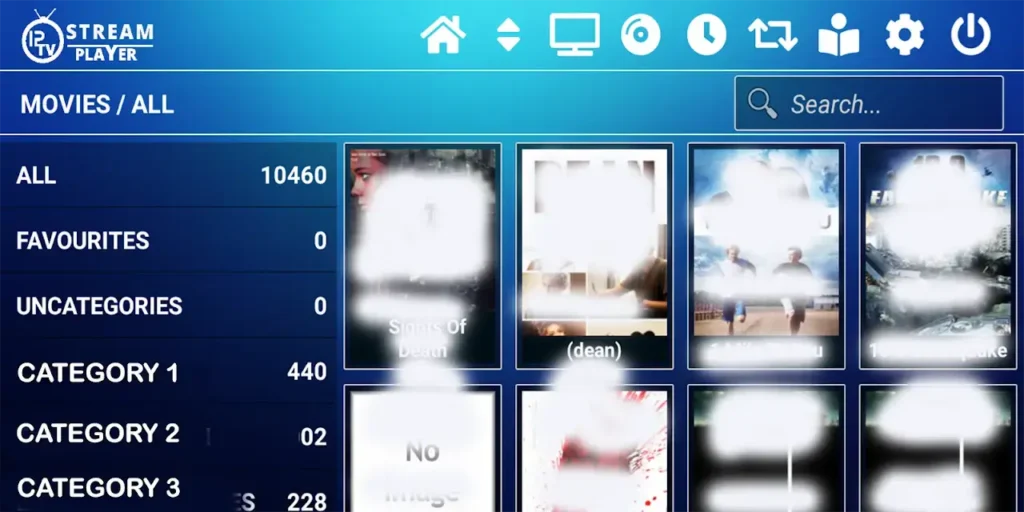
Recommended IPTV Service (Free Trial Available)
For the best performance, we recommend:
⭐ Prime4K IPTV
🌐 Website: https://prime4k.tv
🎁 FREE TRIAL: https://prime4k.tv/TRIAL/
📧 Email: support@prime4k.tv
📱 WhatsApp: +1 587 871 8847
Why choose Prime4K?
- 25,000+ live channels
- Movies & series (VOD)
- Fast & stable servers
- Works perfectly with IPTV Stream Player
- 24/7 support
Frequently Asked Questions
How Do I Set Up IPTV Stream Player?
Download the app, add your M3U playlist or Xtream Codes from your IPTV provider, save settings, and refresh the playlist.
How Do I Add Channels to IPTV Stream Player?
Channels are added automatically when you enter a valid M3U URL or Xtream Codes from your IPTV service.
Is IPTV Stream Player Free?
Yes, the app is free. You only need a paid IPTV subscription to access content.